
This report can be created to assist in monitoring which property sales records have changed over time.
Create Report
1. Click here.

2. Type and select Reports.
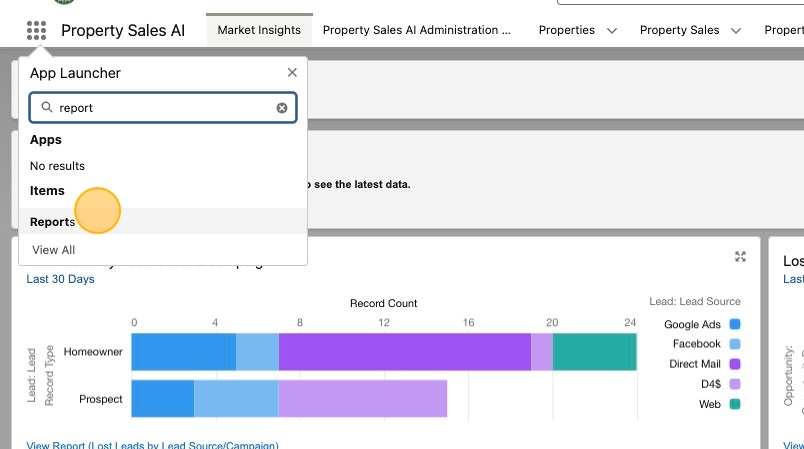
3. Click New Report.
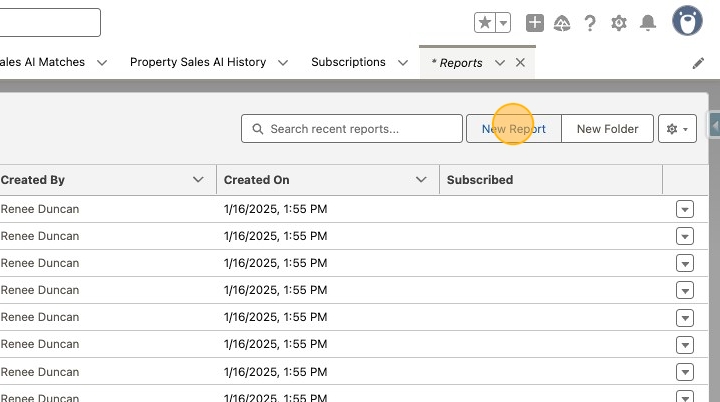
4. Click All.
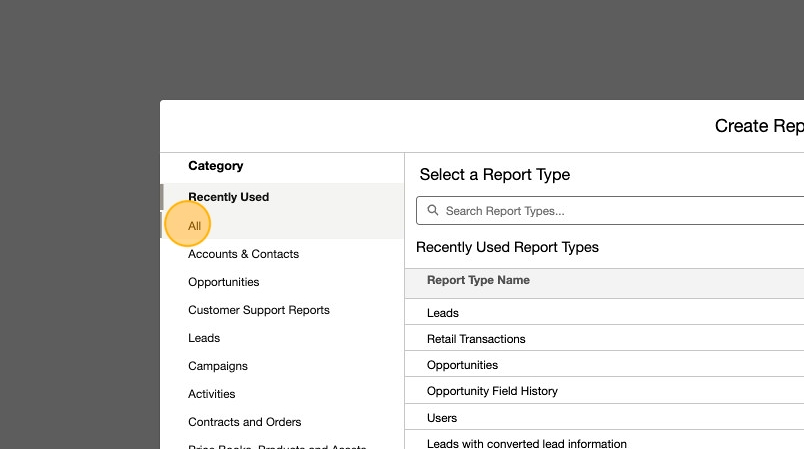
5. Enter Properties in the search report types field, then select Properties with Property Sales.

6. Click Start Report.

7. Revise the report name to PSAI Modified Property Sales and add the columns outlined below.

8. Click Filters.

9. Update filters to reflect those outlined below.

10. Click Save & Run

11. Click Select Folder.

12. Click Property Sales AI Reports.

13. Click Select Folder.

14. Click Save.

15. You may now more easily view which records received an update since their original creation date.

Add Report to Market Insights Dashboard
16. Click Market Insights.

17. Click Open.

18. Click Edit.

19. Click Add Widget.

20. Click Chart or Table.

21. Select PSAI Modified Property Sales.

22. Click Select.

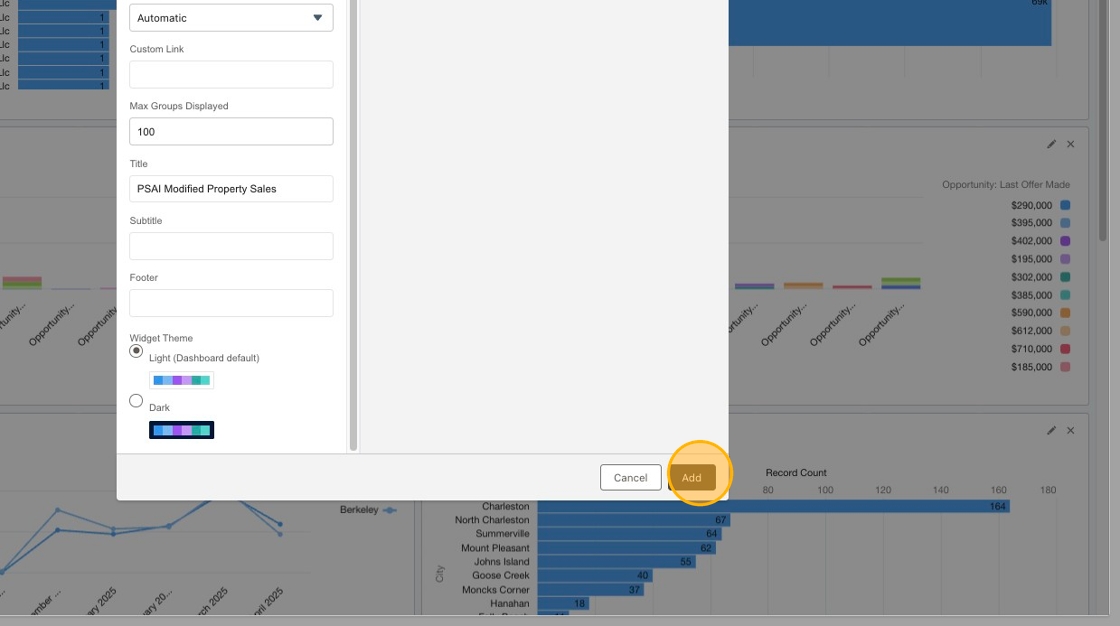
23. Sort by preference.
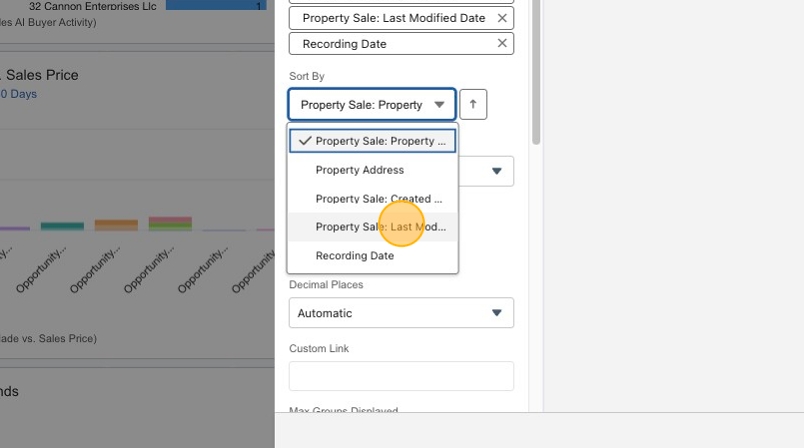
24. Add preferred Columns to the dashboard view.

25. Click Add.
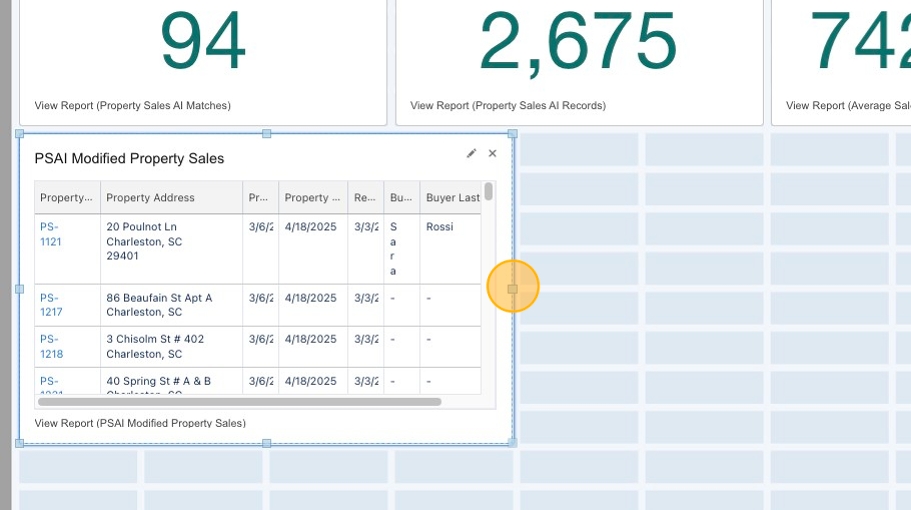
26. Position the new report in your Market Insights dashboard as desired.
27. Click Save.

28. Click Done.
